When someone in Manchester searches for a plumber, dentist, or Heating and Ventilation Industry SEO on Google Maps, only a few businesses appear at the top, and those get most of the calls and visits.
To rank higher on Google Maps, start with your Google Business Profile (GBP), also known as GMB. A complete, well-managed profile helps Google understand your business and show it to nearby customers.
In this guide, you will learn simple Google Business Profile optimisation steps to help your Manchester business get found, trusted, and chosen.
What Is Google Business Profile SEO?
Google Business Profile SEO is the work you do to help your business show up higher on Google Maps and in local search results in Manchester, United Kingdom.
You may also hear it called GMB SEO, Google Maps SEO, local SEO, or Google My Business optimisation. They all mean almost the same thing.
Your Google Business Profile (GBP) is a free listing. It shows your business name, address, phone number, opening hours, photos, and reviews.
Say someone types “bakery near me” or “dentist in Manchester” into Google. Google checks local profiles and shows the best matches in the map results, often called the “map pack” or “local pack.”
Google Business Profile optimisation means making your listing clear, complete, and trusted.
This helps Google understand what your business does and which Manchester customers it can serve. It includes:
- Choosing the right business category
- Adding correct and complete details
- Uploading clear photos of your shop, team, or work
- Collecting and answering customer reviews
- Keeping your opening hours and services up to date
Google says local results are based mainly on relevance, distance, and prominence. Good Google Business Profile SEO improves relevance and prominence. You cannot change how far a customer is from you, but you can make your profile a stronger match and a more trusted choice.
When your profile ranks higher on Google Maps, more people in Manchester can find your business. More people can then call you, visit your website, or walk into your shop.
How to get your business listing to rank higher on Google Maps
You do not need to be an expert to improve your Google Maps ranking in Manchester. Start with the four basic steps below. They set up a strong base for your Google Business Profile (also called GBP, GMB, or your Google listing).
Two Ways to Search for a Local Business
People find local businesses on Google in two main ways. Knowing the difference helps you choose the right goals for your Google Business Profile (GBP).
1. Direct Search
In a direct search, the customer already knows your business. They type your business name or your address.
- “Green Leaf Bakery Manchester”
- “Green Leaf Bakery opening hours”
- “12 High Street Manchester”
These people are usually existing customers, or people who heard about you from a friend, an ad, or social media. They are ready to act, so they want fast, correct details like your phone number, opening hours, and directions.
2. Discovery Search
In a discovery search, the customer does not know your business yet. They search for a service, product, or category, often with a place name or “near me.”
- “bakery near me”
- “emergency plumber Manchester”
- “best Italian restaurant in the Northern Quarter”
Google Business Profiles: The Key to Ranking in the Local Pack
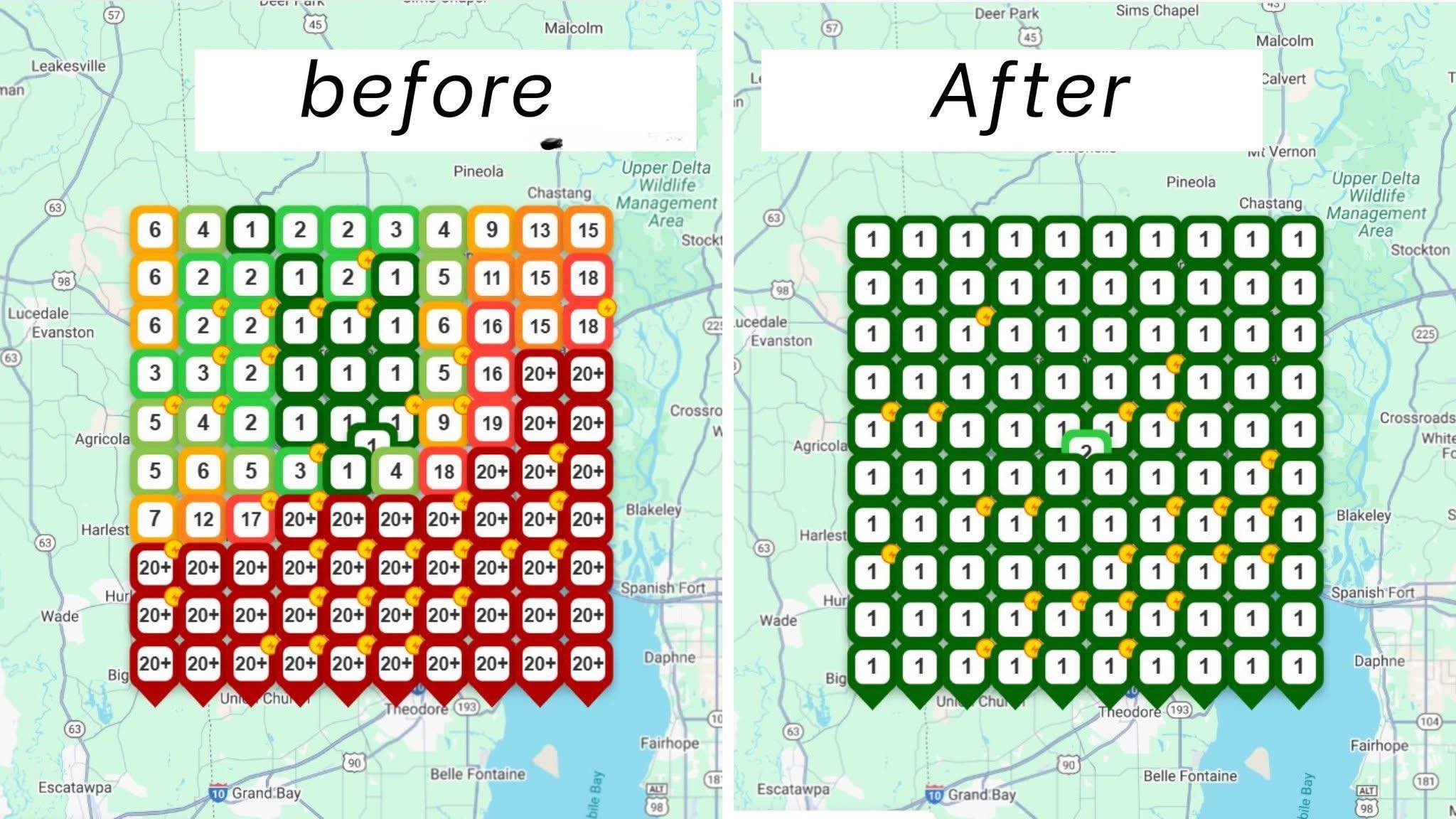
Your Google Business Profile is the main thing Google uses to build the map pack. Businesses without a profile are very unlikely to show up there. Your profile feeds both the map pack and Google Maps.
Why your profile matters so much:
- It tells Google what you do, where you are, and when you are open.
- It collects your reviews, photos, and customer actions in one place.
- It gives customers an easy way to call you, visit your website, or get directions.
How Google chooses who to show: Google says local results are based mainly on relevance, distance, and prominence.
| Factor | Simple meaning | Can you improve it? | What to work on |
| Relevance | How well your profile matches the search | Yes | Primary category, services, business description |
| Distance | How close you are to the searcher | Not directly | Make sure your address and map pin are correct |
| Prominence | How well known and trusted you are | Yes | Reviews, website, links, local mentions |
How to Improve Your Google Business Profile Ranking
You do not have to do everything at once. Start with the biggest wins first, then keep improving over time.
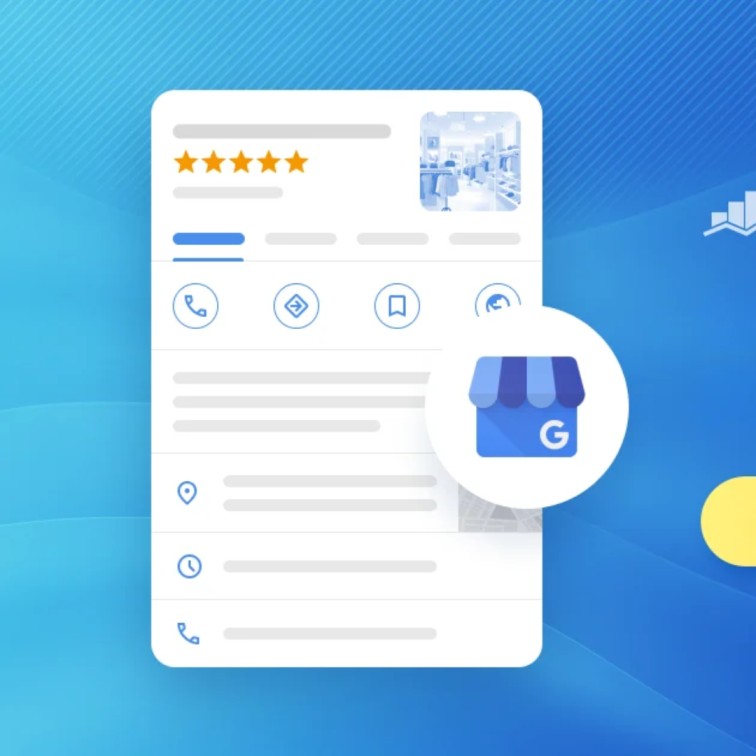
Optimizing Your Google Business Profile
Optimizing your Google Business Profile means making your listing complete, correct, and easy for customers to trust.
Start by claiming and verifying your profile, then choose the best primary category and fill in every detail, such as your Manchester address, phone number, opening hours, and services.
Add real photos, collect honest reviews, and keep your information up to date.
These small steps help Google understand your business and show it to more people searching nearby.
Create and Claim Your Profile
First, check if your business already has a profile. Search for your business name and Manchester on Google or Google Maps. Google often creates listings on its own, so yours may already exist.
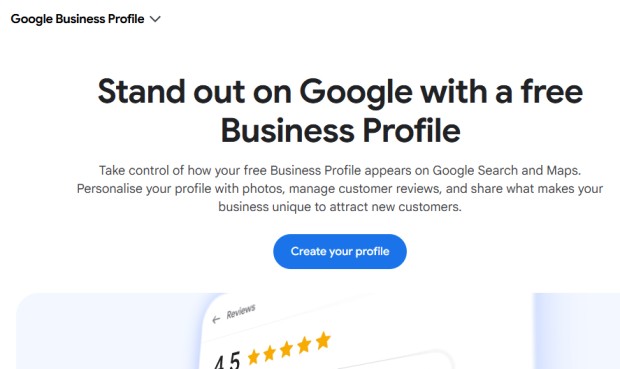
- If a profile exists: click “Own this business?” or “Claim this business” and follow the steps.
- If there is no profile: go to Google Business Profile and choose “Add your business.” Enter your business name and your Manchester address, or your service area if you travel to customers.
Next, verify your profile. Verification proves that you are the real owner. Google says verifying tells it you are allowed to represent the business, so your profile is more likely to show up in search results. Depending on your business, you may verify by phone, email, video, or a postcard sent to your address.
Make sure you have only one profile for each business location. Duplicate listings can confuse Google and your customers.
Complete Your Google Business Profile
A half-empty profile will lose to a full one. Google says complete and detailed business information helps it match your profile to relevant searches. So fill in every section you can.
Add the following:
- Business name
- Address or service area
- Phone number and website:
- Services or products:
- Business description:
- Attributes:
- Photos and videos
Choose the Best Primary Category for Your Profile
Your primary category tells Google what your business is. It is one of the strongest signals for local ranking, so choose with care.
Follow these tips:
- Pick the category that best matches your main service. For example, choose “Italian restaurant” instead of the broader “Restaurant.”
- Do not pick a category because it sounds popular. Pick the true one.
- Add secondary categories for your other services, but only if they really apply.
- Check which categories the top-ranking Manchester businesses in your field use.
A clear category helps Google show your business when someone searches for exactly what you offer.
Set your business hours to 24/7
Opening hours help customers decide if they can visit you now. They also matter when people search for things like “open now” or “late-night pharmacy Manchester.”
If your business truly is open 24 hours a day, 7 days a week, such as a gym, petrol station, or emergency service, then set your hours to 24/7. This lets your listing appear for “open now” searches at any time.
- Set your true opening and closing times for each day.
- Add special hours for bank holidays and Christmas.
- Update your hours as soon as anything changes.
Accurate hours build trust, and trust helps your ranking in Manchester and beyond.
Post geotagged photos to your GBP
Photos help customers trust you, and they help Google understand your business. Add clear photos of your shop front, inside area, team, products, and work. Real photos taken in Manchester work best.
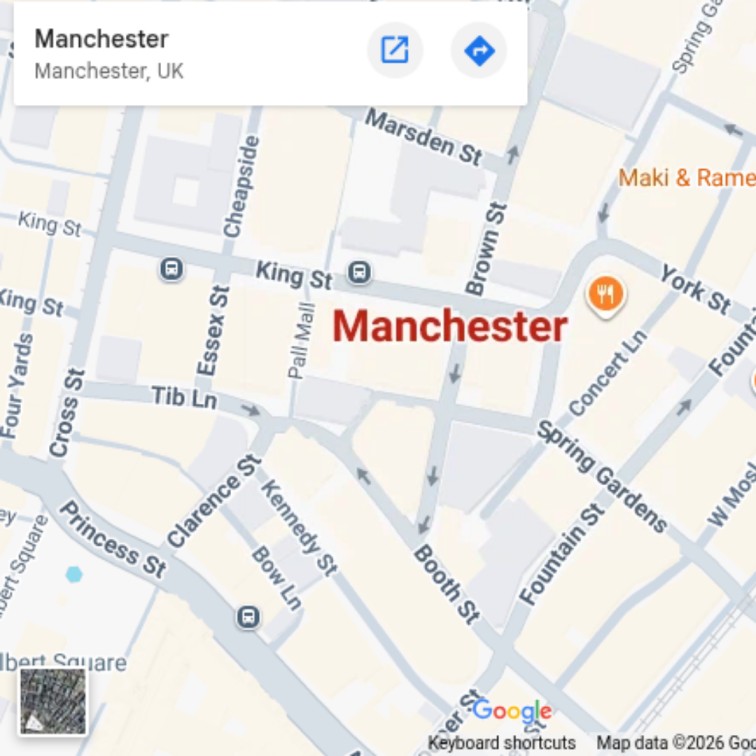
You may hear tips about “geotagging” photos, which means adding GPS location data to the image file. Google has not confirmed that this data helps you rank, so do not rely on it. These steps are safer and more useful:
- Take photos at your real Manchester location, not stock images.
- Show local details, like your shop sign, street, or a well-known nearby place.
- Name your files clearly, such as manchester-plumber-near-me.jpg.
- Add new photos often, such as every few weeks.
- Use bright, sharp pictures that show what customers will actually see.
Do not upload fake or copied images. Customers notice, and Google may remove them.
Quality Google Reviews
Reviews are one of the strongest trust signals for your profile. Google says review count and review score affect local ranking, and more positive reviews can help you rank higher. Reviews also help people choose you over other Manchester businesses.
To get more good reviews:
- Ask at the right time
- Make it easy
- Ask for details
- Be honest
Reply to Every Review
Answer every review, whether it is happy or unhappy. Google says that replying to reviews shows you value customer feedback. It also shows future customers that you are active and that you care.
For good reviews:
- Say thank you and use the customer’s name.
- Mention something specific from their review.
- Keep it short and warm.
For bad reviews:
- Stay calm and polite. Never argue.
- Say sorry and offer to fix the problem.
- Move the conversation offline by sharing a phone number or email.
Post regularly to your Google Maps business listing
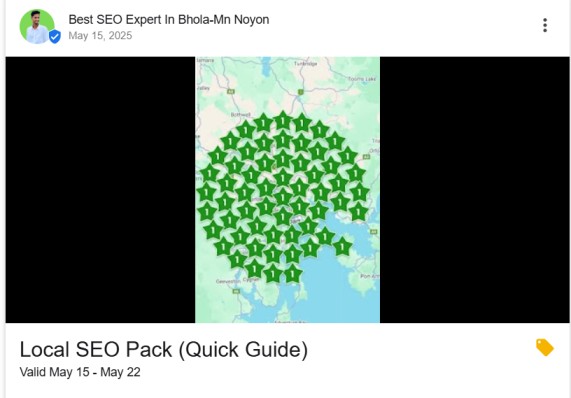
Google Business Profile lets you share updates, offers, and news right on your listing. These are called posts. Regular posts show that your business is active and give customers a reason to choose you.
You can post about:
- Special offers or discounts
- New products or services
- Seasonal news, like Christmas opening hours
- Tips or helpful advice for people in Manchester
- Recent work or customer success stories
How we work on it:
- Post at least once a week, or as often as you can keep up.
- Keep posts short and clear.
- Add a good photo to every post.
- Add a button, such as “Call now,” “Book,” or “Learn more.”
Promote Your Events
If you host events, tell people about them on your profile. An event could be a sale, a workshop, a tasting night, a grand opening, or a local meetup.
Use an event-style post, if your profile offers it, and include:
- The event name
- The date and time
- A short, clear description
- A photo or banner
- A button to book, call, or learn more
Post it a week or two before the event, then post again closer to the date. Events show customers that your business is lively, and they bring new people through your door.
6 steps On-Page Optimization
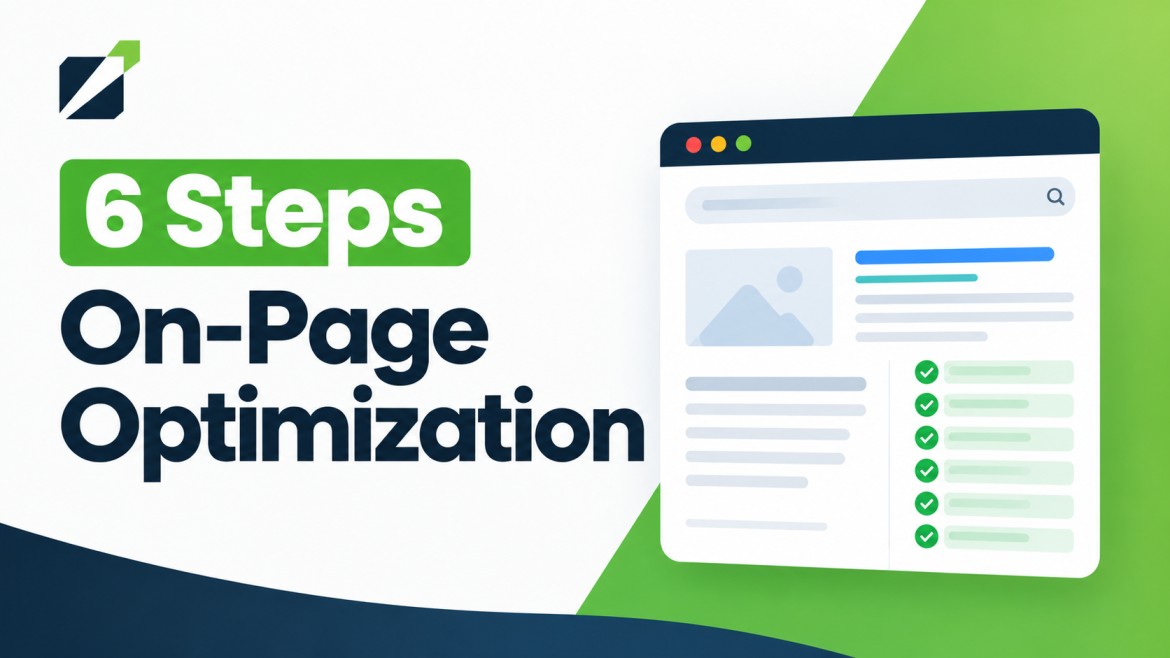
Your Google Business Profile is only one half of the job. Your website also tells Google that your business is real, local, and trusted. Google can use signals from your website when it ranks your profile. Google says your position in web results is also a factor, so normal SEO best practices apply.
The 6 steps below help your website and your profile work together:
1. Embed a Google Map on your website
An embedded map shows visitors exactly where you are. It also connects your website to your Manchester location.
Why it helps:
- Customers can find you faster.
- Your address and map pin match what is on your profile.
- It keeps visitors on your page instead of sending them away to look for directions.
Google has not confirmed that an embedded map is a direct ranking factor. Think of it as a trust and user-friendly boost, not a magic trick.
How to embed your map:
- Open Google Maps and search for your business name.
- Click Share.
- Choose the Embed a map tab.
- Click Copy HTML.
- Paste the code into your website page.
Where to put it:
| Page | Why |
| Contact page | The first place people look for your address |
| Home page footer | Easy to find on every visit |
| Location or “Find us” page | Great for businesses with more than one branch |
2. Add local keywords to your website
Local keywords tell Google which area you serve. They are search words that include a place, like “plumber in Manchester.”
Examples of local keywords:
| Type | Example |
| Service + city | “emergency plumber Manchester” |
| Service + area | “hairdresser Chorlton” |
| “Near me” style | “dentist near Manchester city centre” |
| Postcode style | “M1 coffee shop” |
| Nearby towns | “electrician Salford,” “cleaner Stockport” |
Where to add them:
| Place on your website | What to do |
| Page title | “Emergency Plumber in Manchester | Your Business Name” |
| Main heading (H1) | Use your service and city once |
| First paragraph | Mention Manchester in the first 100 words |
| Subheadings | Use area names where they fit |
| Image alt text | “Plumber fixing a boiler in Manchester home” |
| Contact page | Add your full address and postcode |
| Last paragraph | Close with a local mention |
| Do | Don’t |
| Write for people first | Repeat “Manchester” in every sentence |
| Create a page for each main service | Put all services on one page |
| Make a page for each area you serve | Copy the same text on every area page |
| Add real details, such as local landmarks | Use fake or unrelated place names |
3. Review velocity matters more than review count
You may think the business with the most reviews always wins. That is not the full story.
First, two simple terms:
- Review count: the total number of reviews you have.
- Review velocity: how often you get new reviews (for example, 6 per month).
What Google says: Google says review count and review score factor into local ranking. Google has not said that velocity matters more than count.
What local SEO experts say: Many experts believe fresh, steady reviews matter a lot. In the 2026 Whitespark expert survey, review recency was ranked 11th among local pack and Google Maps factors, up from 20th in 2023. So we can say recent reviews matter more than they used to. It is not proven that velocity beats count, but a steady flow of reviews is clearly a smart goal.
Why fresh reviews help:
- They show your business is open and active.
- They give customers a recent view of your service.
- They build trust for people choosing between similar Manchester businesses.
| Business A | Business B | |
| Total reviews | 300 | 120 |
| Reviews in the last 3 months | 2 | 30 |
| What customers may think | “Is this place still good?” | “This place is busy and well liked.” |
Business B may look stronger to both customers and Google, even with fewer total reviews.
How to build steady review flow:
- Ask every happy customer, every day.
- Add a QR code to your counter, receipts, and invoices.
- Send a short follow-up text or email after each job.
- Train your team to ask for reviews politely.
- Set a goal, such as 5 to 10 new reviews per month.
- Reply to every review.
4. Behavioral Signals
Behavioral signals show what people do with your listing after they find it. Google can see actions like clicks, calls, and direction requests. Google has not published exactly how much these actions affect your ranking. But some local SEO experts believe engagement matters more each year.
Whitespark founder Darren Shaw calls engagement signals the biggest shift heading into the next edition of the Local Search Ranking Factors report. Even if they were not a ranking factor, these actions bring you real customers.
Common behavioral signals:
| Action | What it tells Google |
| Clicks to your website | People find your listing useful |
| Phone calls | People want to contact you now |
| Direction requests | People plan to visit |
| Photo views and saves | People are interested in your business |
| Bookings or messages | People are ready to buy |
| Time spent on your website | Your page matches what they searched for |
5. Local Citations: Unique citations with consistent NAP data
A citation is any online mention of your business name, address, and phone number (NAP). It does not need a link. Citations show Google that your business is real and that your details are correct.
Two things matter most:
- Unique citations: Be listed on many different trusted websites, not the same site again and again.
- Consistent NAP: Use the exact same details everywhere.
| Type | Examples |
| Major directories | Yell, Thomson Local, Yelp, Bing Places, Apple Business Connect |
| Industry directories | Trade bodies and sites for your industry (for example, Checkatrade for trades) |
| Local sites | Manchester Chamber of Commerce, local business associations, local news and community sites |
| Social media | Facebook, Instagram, LinkedIn business pages |
7. FAQ sections on every service page
An FAQ section answers common questions right on your page. It helps customers decide faster, and it helps Google understand your service better.
Why it helps:
- Customers get answers without calling you.
- You can use local keywords naturally, such as “Manchester” or your area names.
- It supports Google’s AI-powered answers in Maps and Search by giving clear, ready-to-use information.
A note about FAQ rich results: Google now shows FAQ dropdowns in search results only for a small group of sites. Google restricts FAQ rich results to government and health sites. So do not expect a special search display. The FAQ content itself is still very useful for your visitors.
Google Maps SEO checklist

| Priority | Action | Why it matters |
| 1 | Create, claim, and verify your profile | Google needs to know you own it |
| 2 | Choose the best primary category | It tells Google exactly what you are |
| 3 | Fill in every section | Complete profiles match more searches |
| 4 | Add real photos and videos | They build trust and attract clicks |
| 5 | Collect reviews and reply to them | They boost trust and ranking |
| 6 | Post updates and promote events | They show your business is active |
| 7 | Improve your website and local keywords | They support your profile |
| 8 | Build consistent citations | They confirm your details across the web |
| 9 | Keep your information up to date | Wrong details lose customers |